Your PPE,
your expertise,
your rules.
You control what gets recorded and what gets deleted.
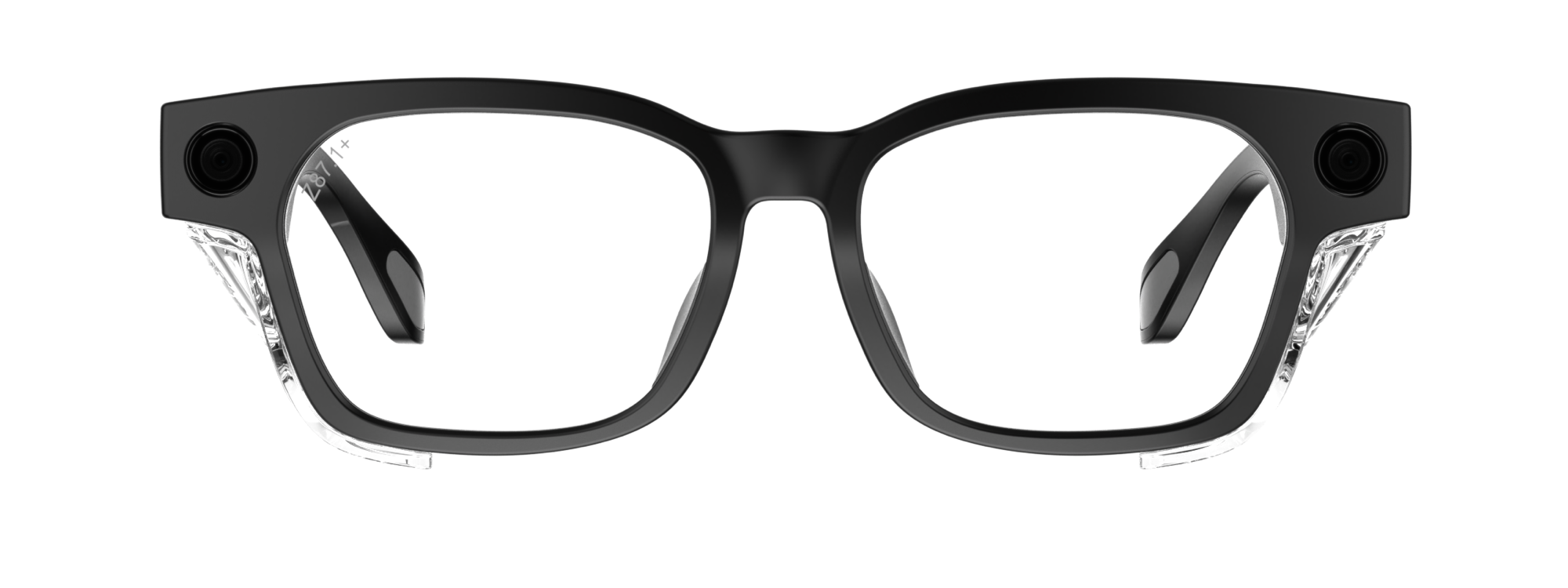
Control built into the hardware
01 · RESTRICTED WI-FI
The glasses can't phone home to anyone.
The Wi-Fi chip only does one thing - move media to your phone. There is no live streaming and no remote access.
02 · PHYSICAL RECORD BUTTON
You decide what to record. No one else.
There's a physical record button on the frame. The app can't start a recording without you saying so.
03 · AUTO-WIPE
After transfer, the footage is wiped automatically
Recordings are wiped once they are transferred to the app. If they get lost or stolen, there's nothing on them to find.
Never miss a detail again
Use notes to catch what you missed or keep a record of the work.
Recaps & Summaries
Job Notes
Takeuchi TL12R — pre-trip walkthrough
0:00
Starting walkthrough on Takeuchi TL12R. Checking tracks and undercarriage.
0:22
Left track tension looks low — needs adjustment before next shift.
0:48
Coolant fitting seeping at connection. Tightened, recommend replacing at next PM.
⚠ Flag
1:15
Hydraulic lines look good. No visible wear or leaks.
1:42
Cab interior check complete. All controls responsive. Hour meter: 3,847.
Ask Blue anything
Blue searches your manuals, parts catalogs, SOPs and videos to give you an accurate answer in seconds.
Skip the admin work
Get your inspection reports, JHAs, customer summaries or end-of-day paperwork done without staying late to do the write up.
Reports & JHAs
Inspection Report
Genie GS2632 — Structural & Chassis
Structural & Chassis
Frame — cracks or damageComplete0:12
Welds — chassis integrityComplete0:34
Outriggers — operationPartial0:58
Guard rails — secureComplete1:22
Electrical & Battery
Battery fluid levelComplete2:02
Battery size & CCAComplete2:14
Electrical connectionsPartial2:28
Cables — damage checkComplete2:41