
Control every step of the way
Techs control what they record, import and use
You decide when to record. The glasses don’t connect to the internet, so everything stays on the device until you transfer it to the Airwave app. Then it’s wiped from the glasses and stored locally on your phone. There’s no automatic cloud backup. Footage only goes to the cloud if you choose to share it with Blue or a teammate.
.png)
Control isn't a setting. It's how it works.
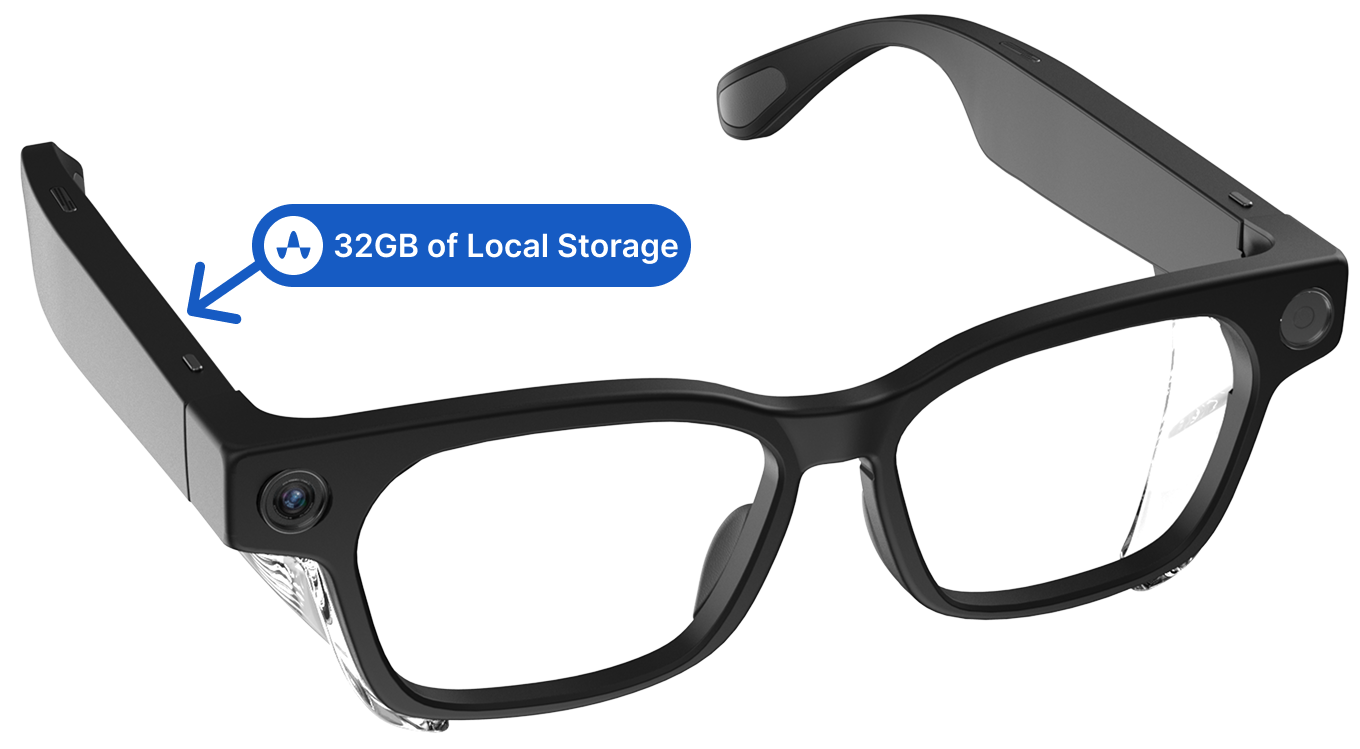
Glasses store everything locally
Everything stays stored locally on the glasses. There’s no cellular chip and no automatic backup, so nothing leaves the device unless you transfer it yourself. If you lose the glasses before moving the footage to your phone, it’s gone for good.
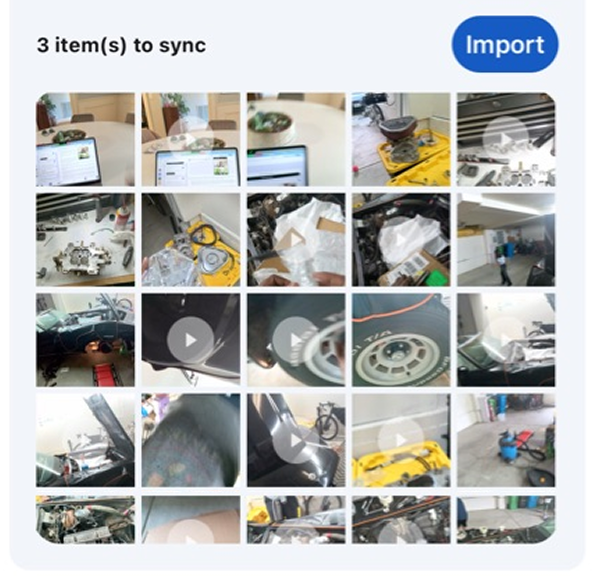
Videos transferred to the Airwave app stay on your phone
When you transfer media from the glasses, only you can see it and only you decide what to keep or delete. The files are wiped from the glasses and saved locally on your phone, nowhere else. If you delete the app or lose your phone, the footage is gone for good.
Control how you use your videos
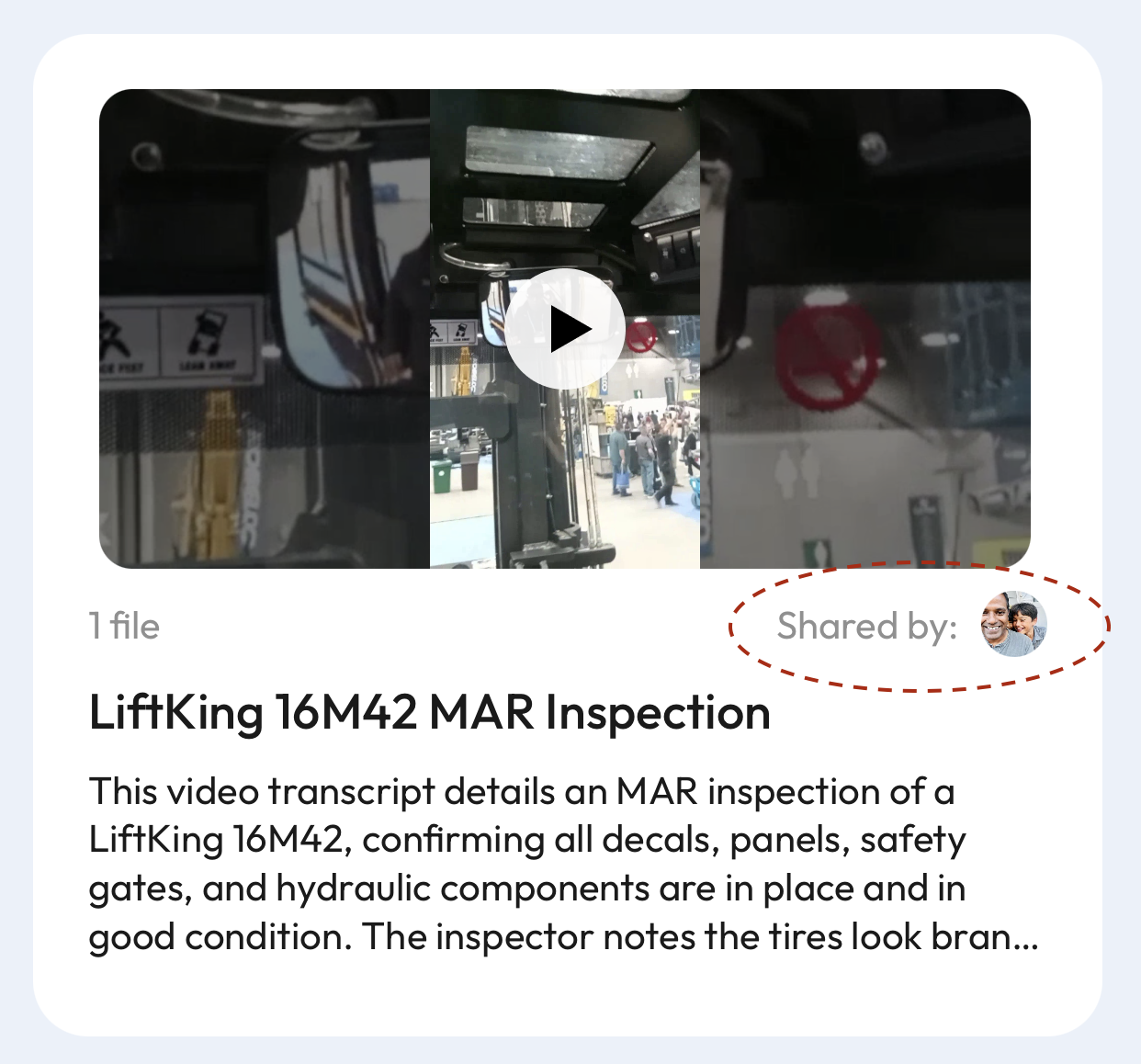
Videos you keep for personal reference stay on your phone. Content you use to create reports or tribal knowledge is stored in your company’s private workspace.
No auto-upload. No backdoor access.
Recordings stay local
Everything you record stays on the device until you choose to transfer it.
No remote streaming.
The glasses don’t connect directly to the internet. They can't live stream.
You decide when to upload
Only JHAs, inspection reports, or tribal knowledge you share move to the cloud.
Control is built into the hardware
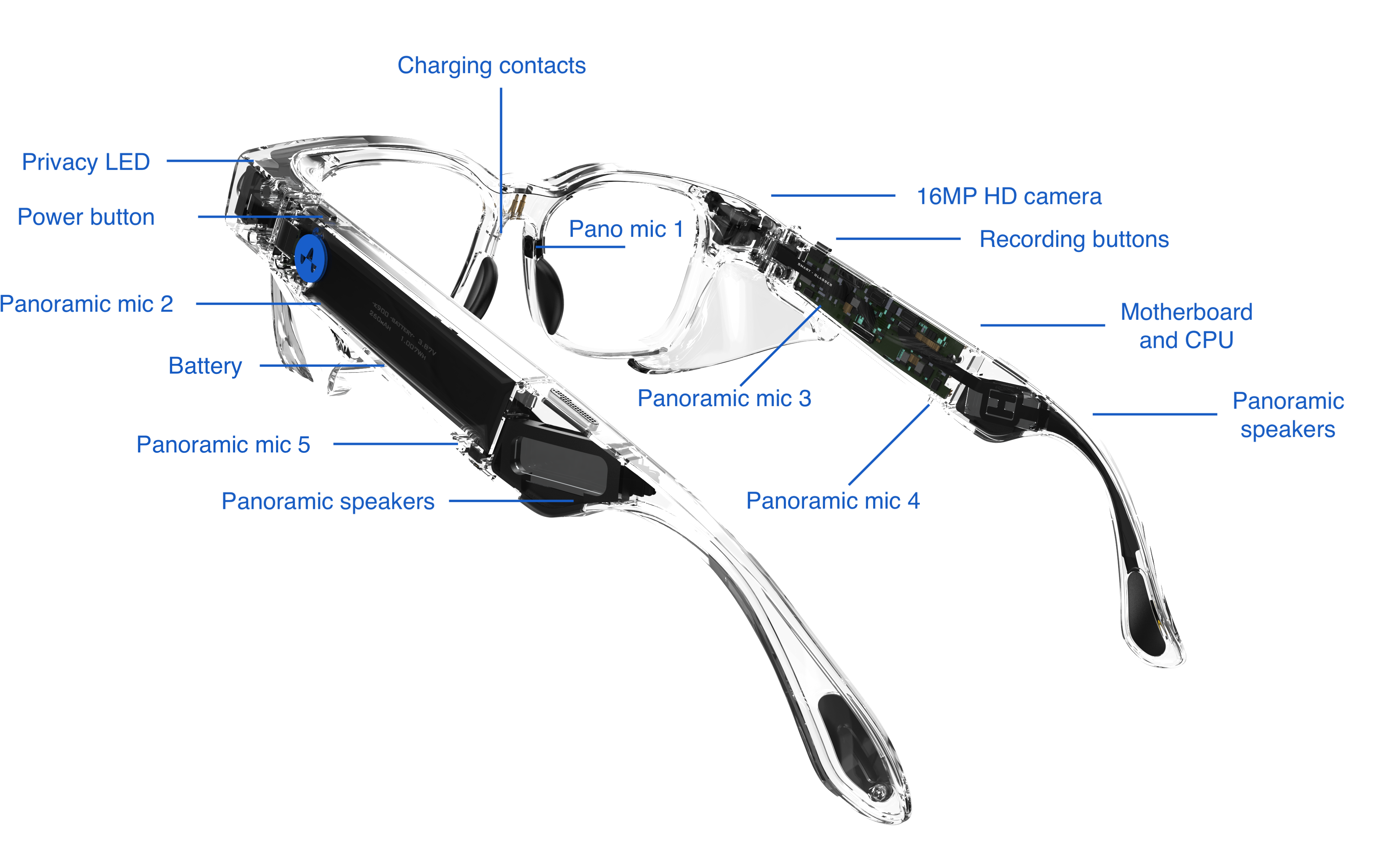
- No cellular chip. No live streaming. No remote access.
- Zero AI processing on the glasses. All the AI is in the Airwave app.
- Wi-Fi is limited to importing media only.
- Physical start/stop record button. No automatic recording.
- Media is automatically wiped from the glasses after transfer to Airwave app.